
Our verdict:
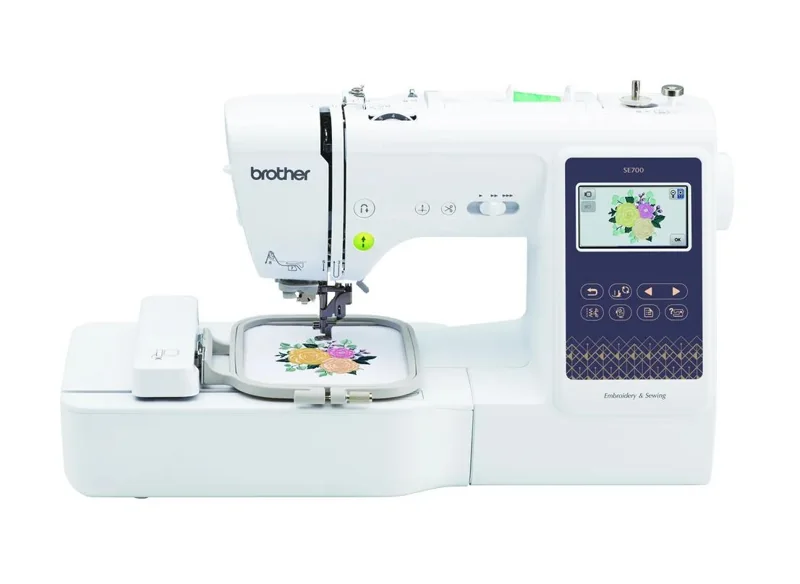
Small designs and first projects
Best for a first combination machine for small motifs and garment sewing.
Check price at SewingmachinesplusKeep in mind: larger designs cannot be stitched in one 4 x 4-inch field.
Buying guides
We may earn a commission from some links on this page.
The short answer
Choose the SE700 for small designs, SE2000 for a 5 x 7-inch field, or bernette b79 for a larger rectangular embroidery area and dual-feed sewing.
Brother SE700Check price at SewingmachinesplusRead our analysis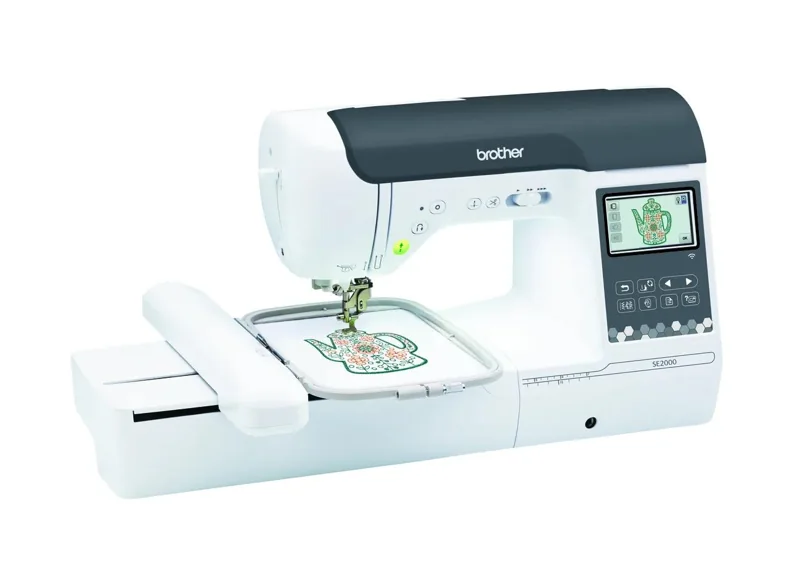 Brother SE2000View at BrotherRead our analysis
 bernette b79Check price at SewingmachinesplusRead our analysis
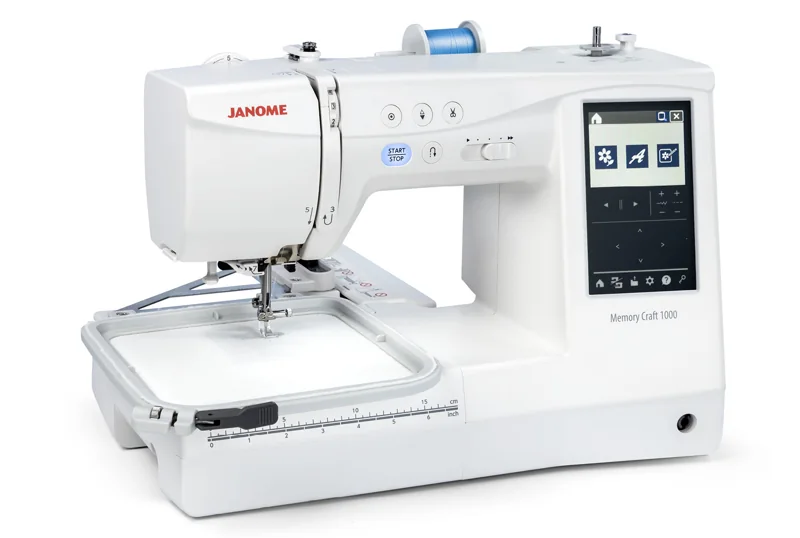 Janome Memory Craft 1000Check price at SewingmachinesplusRead our analysis
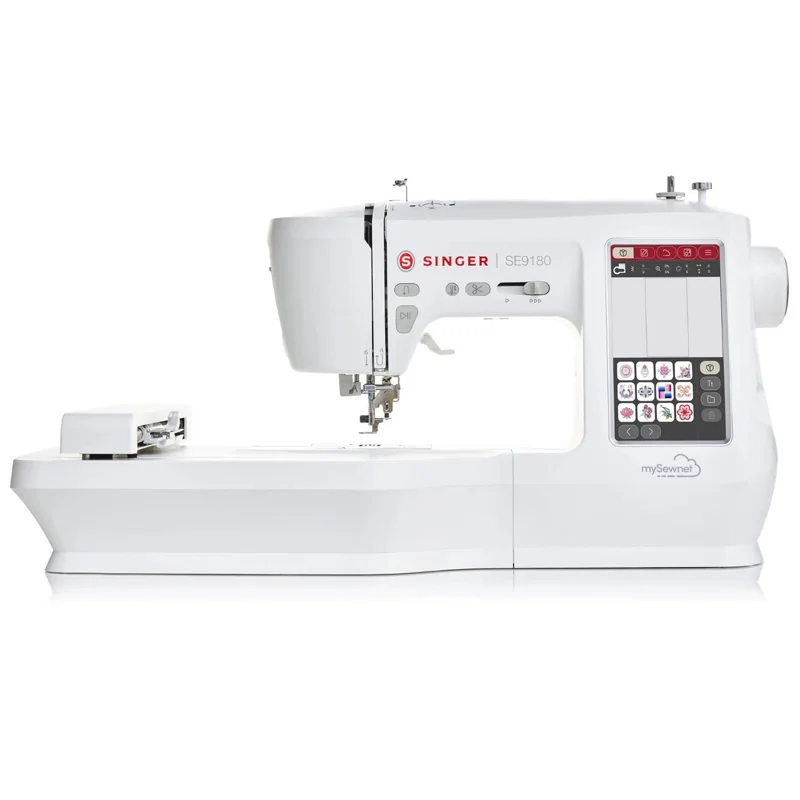 SINGER SE9180View at SINGERRead our analysis
A combination machine earns its desk space when you want to construct a project and embroider it. The maximum design field is the first constraint to compare; the sewing controls are the second.
We used opened manufacturer specifications, exact retailer catalog records and internal product research. Accessories, duplicate packages, unfamiliar makers and industrial machines were removed. The order reflects the project fit explained below; it does not promise measured stitch quality or durability.
Our verdict:
Small designs and first projects
Best for a first combination machine for small motifs and garment sewing.
Check price at SewingmachinesplusKeep in mind: larger designs cannot be stitched in one 4 x 4-inch field.
The SE700 provides 103 sewing stitches and a 4 x 4-inch embroidery field. It fits small motifs and ordinary garment construction. Read our SE700 review before choosing it for designs that may exceed that field.
Our verdict:
A larger Brother field
Best for garment makers who want construction sewing and larger motifs in one machine.
View at BrotherKeep in mind: switching between sewing and embroidery interrupts each workflow.
The SE2000 offers 241 sewing stitches and a 5 x 7-inch embroidery field. Check Brother's current included-accessory list before buying hoops, thread or stabilizer. It suits longer rectangular motifs while keeping construction sewing in the same machine.
Our verdict:
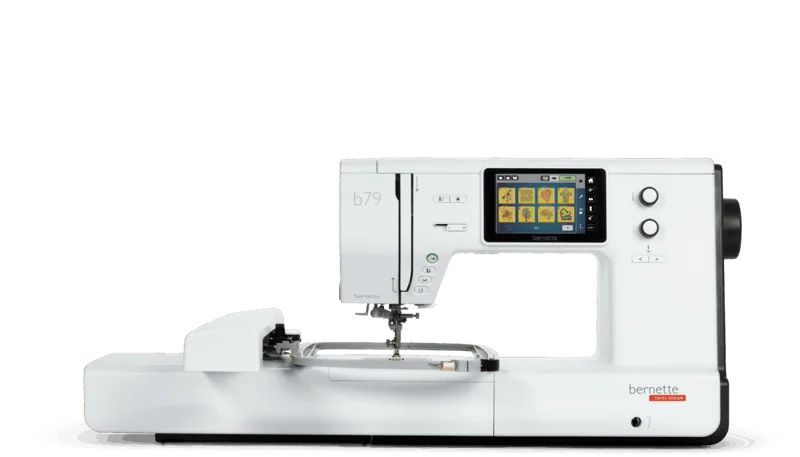
Larger rectangular embroidery
Best for sewing and larger rectangular embroidery in one machine.
Check price at SewingmachinesplusKeep in mind: combining two workflows brings more setup and controls to learn.
The b79 combines 500 sewing stitches with a 260 x 160 mm embroidery area and dual feed. That is a materially different work area from the smaller Brother models. Its combined setup makes most sense when both sewing and embroidery will be regular jobs.
Our verdict:
Square embroidery projects
Best for ordinary sewing and square embroidery motifs in one machine.
Check price at SewingmachinesplusKeep in mind: its square field is shorter than the rectangular field of the SE2000 or b79.
The Memory Craft 1000 offers 300 sewing stitches and 241 embroidery designs, with a 5.5 x 5.5-inch field. Choose by that square shape as well as its size. A long rectangular design may fit a 5 x 7-inch field while failing to fit this one.
Our verdict:
A larger editing screen
Best for sewing and embroidery with a larger editing screen.
View at SINGERKeep in mind: check the machine's design-file format before reusing an existing embroidery library.
The SE9180 has a seven-inch touchscreen, 250 sewing stitches and 150 embroidery designs. Its automatic cutter and speed controls support a combined workflow. Verify the design-file format and actual hoop requirements in the manual before transferring a design library from another brand.
Start with a real design. Check its width, height and file format against the machine. A library of many built-in designs does not answer whether your chosen design fits.
Treat sewing and embroidery as separate setups. Fit the correct foot, plate, unit and thread arrangement for the job, following the manual. A combined machine saves a footprint; it does not keep two different jobs running simultaneously.
Compare the offer, not an accessory count. A starter bundle can reduce the number of supplies to source separately. Extra small hoops, thread colors or download files do not enlarge the machine's field.
Keep digitizing separate from buying. Ready-to-stitch files and artwork are different things. If designing from scratch is the goal, check suitable digitizing software and learning time before choosing solely by the machine's screen.
Return to machine buying guides or our sewing machine section for the next step.
Yes for ordinary sewing functions that its specification supports. You still change the setup between construction sewing and hoop embroidery.
No. Screen size affects editing and navigation. Maximum embroidery width and height determine whether a design fits.
It may supply useful consumables, but it does not change the machine's field, feeding system or stitch functions.