
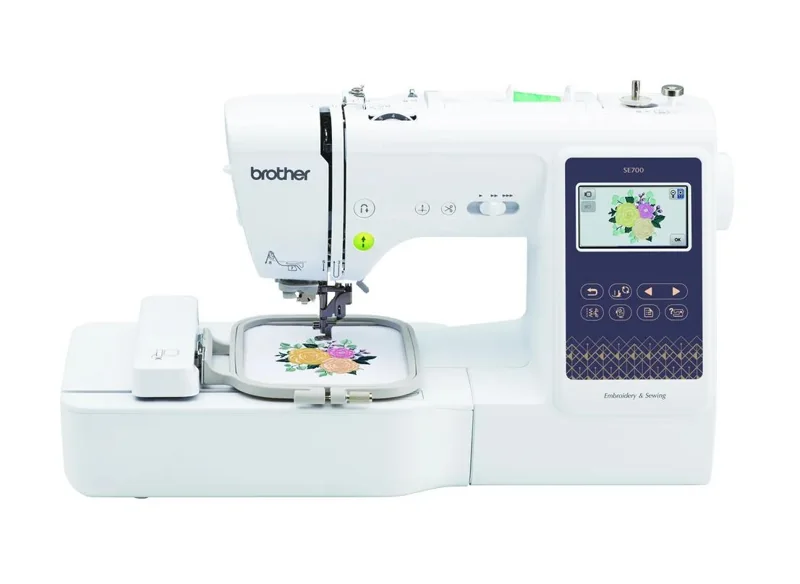
Our verdict:
Sewing and small embroidery
Best for a first combination machine for small motifs and garment sewing.
Check price at SewingmachinesplusKeep in mind: larger designs cannot be stitched in one 4 x 4-inch field.
Buying guides
We may earn a commission from some links on this page.
The short answer
Choose the Brother SE700 for sewing and small motifs, the PE900 for embroidery on a larger 5 x 7-inch field, or the Janome Memory Craft 100E for a compact square-field setup.
Brother SE700Check price at SewingmachinesplusRead our analysis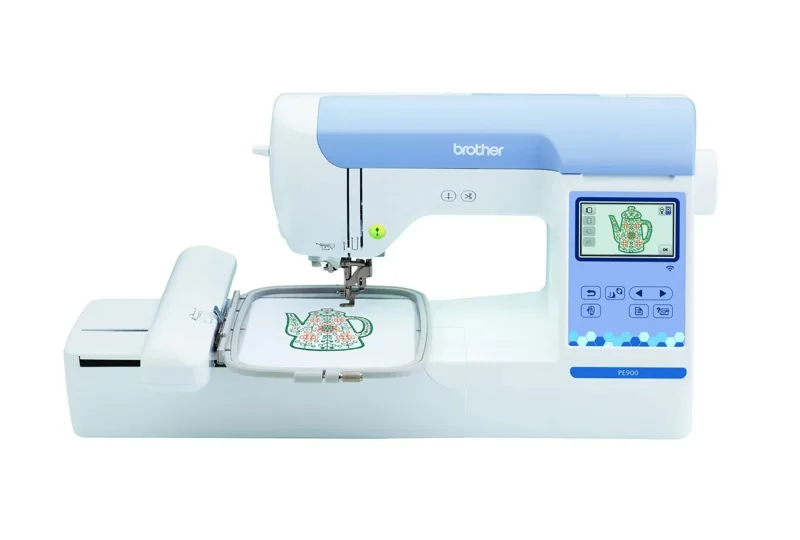 Brother PE900View at BrotherRead our analysis
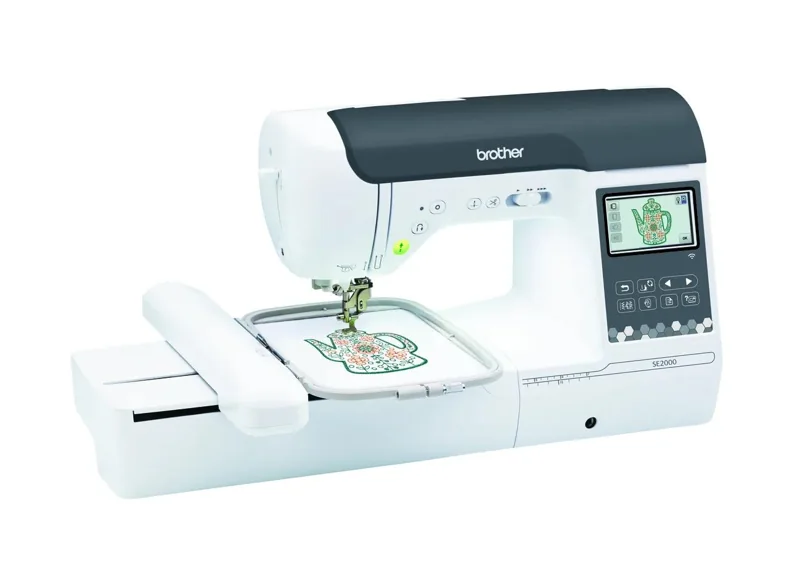 Brother SE2000View at BrotherRead our analysis
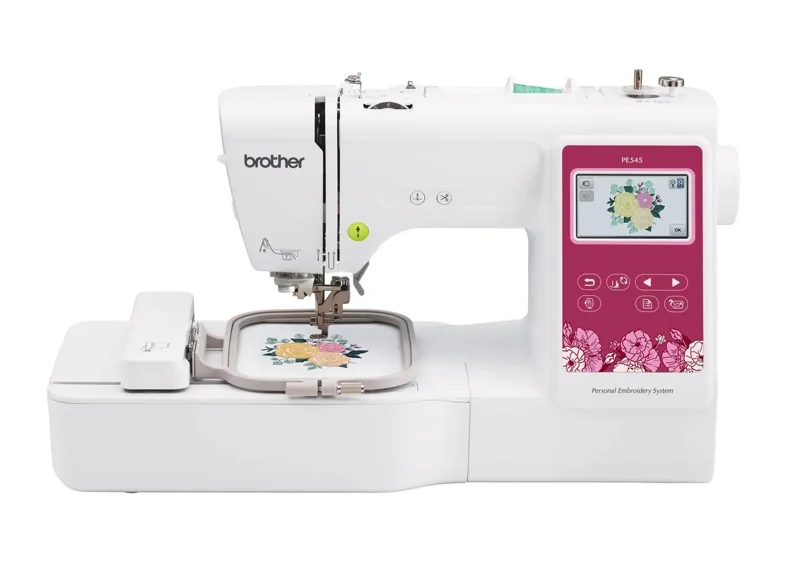 Brother PE545View at BrotherRead our analysis
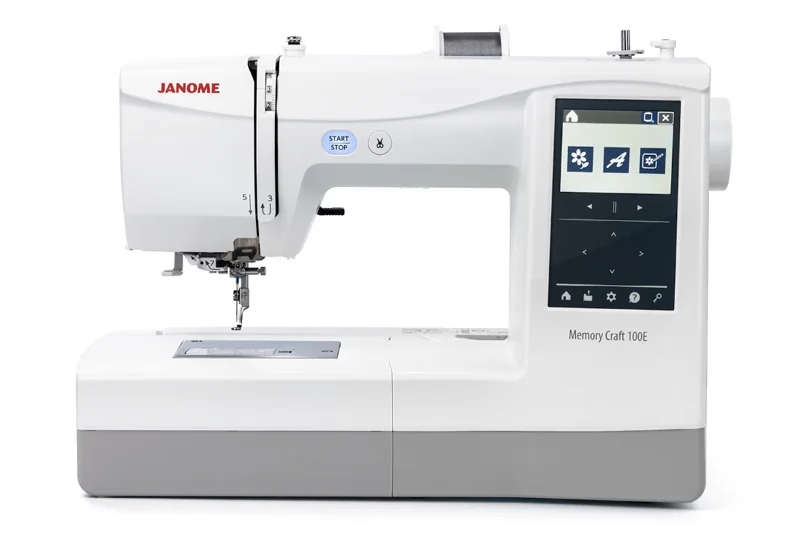 Janome Memory Craft 100ECheck price at SewingmachinesplusRead our analysis
Your first embroidery machine should fit the designs you actually want to stitch. A small name on a pocket and a large design on a jacket ask for different fields, even when both machines advertise many built-in designs.
We used retailer catalog records, opened manufacturer specifications and internal research, then removed commercial multi-needle machines, unfamiliar brands, accessories and duplicate packages. These five are domestic single-needle choices. The recommendation order favors the beginner's workflow, rather than claiming a measured stitch-quality winner.
Our verdict:
Sewing and small embroidery
Best for a first combination machine for small motifs and garment sewing.
Check price at SewingmachinesplusKeep in mind: larger designs cannot be stitched in one 4 x 4-inch field.
The SE700 is the starting point when you want one machine to make a garment and add a small motif. Its 4 x 4-inch field is the deciding limit. A larger accessory hoop cannot make it stitch a larger design in one placement.
Our verdict:
A larger embroidery field
Best for sewers who have a sewing machine and want a larger embroidery field.
View at BrotherKeep in mind: it does not sew ordinary construction seams.
The PE900 keeps construction sewing on your existing machine and offers a 5 x 7-inch embroidery field. Wireless transfer and jump stitch trimming are listed features. It is a focused upgrade for longer motifs, but cannot replace the machine that assembles the garment.
Our verdict:
Larger motifs plus sewing
Best for garment makers who want construction sewing and larger motifs in one machine.
View at BrotherKeep in mind: switching between sewing and embroidery interrupts each workflow.
The SE2000 combines a 5 x 7-inch embroidery field with 241 sewing stitches. It fits someone who wants both jobs in one footprint. Allow for switching the machine between sewing and embroidery; one combined machine cannot keep both jobs running at once.
Our verdict:
Small monograms on a second machine
Best for small monograms when an ordinary sewing machine is already available.
View at BrotherKeep in mind: it cannot sew garment seams and has a small embroidery field.
The PE545 is embroidery-only, with a 4 x 4-inch field and 135 built-in designs. Pick it when small names and motifs are the goal and construction sewing is covered. Check Brother's current included-accessory list for hoops and thread; extra hoops do not give a bigger stitching field.
Our verdict:
A compact square field
Best for compact embroidery projects with an optional free-arm setup.
Check price at SewingmachinesplusKeep in mind: free-arm hoops are additional purchases; the square field is shorter than 5 x 7 inches.
The Memory Craft 100E offers a 140 x 140 mm field, 274 designs and USB import. Optional free-arm hoops open a route to tubular projects. Those hoops are separate purchases, and the square field is shorter than a 5 x 7-inch field.
Choose the field before the design library. Check a favorite design's finished dimensions against the machine's maximum stitch field. Splitting a larger design into placements requires additional planning and accurate alignment. It is not the same as fitting it into one hooping.
Decide whether you need ordinary sewing. A PE545, PE900 or Memory Craft 100E needs a separate sewing machine for construction seams. A combination machine saves desk space, but you must change its setup when moving from one job to the other.
Plan how designs reach the machine. Wireless transfer and USB import are different workflows. Check the required format, software and connection in the maker's manual before buying a design file. A picture file is not automatically a stitch-ready design.
Budget for supplies, not just the machine. Stabilizer, embroidery thread, suitable needles and practice fabric are part of the project. Compare the exact bundle's included items; large accessory counts are not evidence of better stitch quality.
Practice on a flat scrap before embroidering a finished garment. Follow the manual's hooping and stabilizer instructions. A single-needle machine still needs the operator to change thread colors, and its automated motion does not remove the setup work.
Read all machine buying guides or the sewing machine section to compare construction sewing needs. The quilting section covers projects that use ordinary sewing instead of hoop embroidery.
No. The maximum stitch field is set by the machine. Check that field separately from the dimensions of an accessory hoop.
It can embroider fabric, but it does not replace a regular sewing machine for construction seams. Choose a combination model if you need both jobs in one machine.
You can start with built-in or compatible ready-to-stitch designs. Creating your own stitch files from artwork is a separate digitizing task.
No. The operator changes the thread when the design calls for another color.